
Macbook Pro 2015 15" A1398
Other macbook models


Facing issues with your Macbook and iMac
Here are some common hardware issues faced by Apple MacBooks:
Display Issues:
Screen Damage: Physical damage to the screen, such as cracks or dead pixels.
Backlight Failure: Dim or flickering screen.
Logic Board Issues: Problems with the logic board can cause display malfunctions.
Battery Issues:
Battery Life: Decreased battery life over time.
Battery Swelling: Physical expansion of the battery, potentially damaging the device.
Charging Issues: Problems with the charging port or charging cable.
Storage Issues:
Hard Drive Failure: Mechanical or logical failures of the hard drive.
SSD Failure: Issues with the Solid State Drive, affecting performance and data storage.
Keyboard and Trackpad Issues:
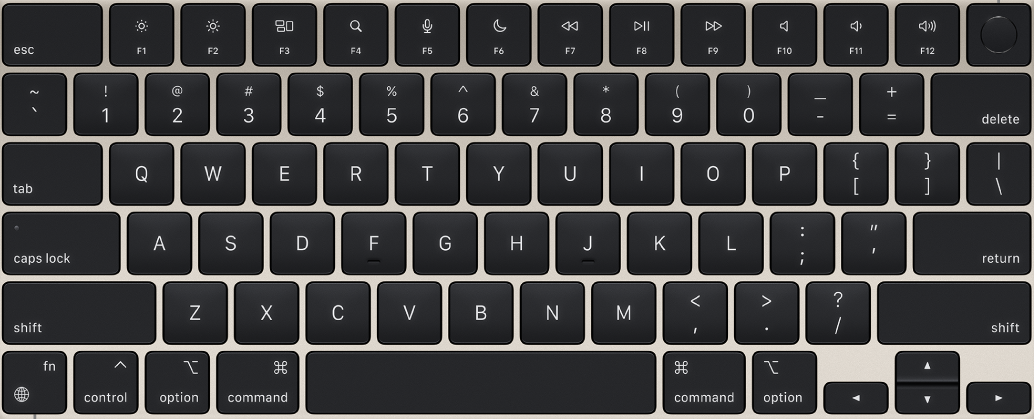
Key Failure: Keys that stick, don't respond, or have issues with backlighting.
Trackpad Issues: Unresponsive or erratic trackpad behavior.
Power Issues:
Power Adapter Failure: Malfunctioning power adapter.
Power Button Issues: Problems with the power button itself.
Logic Board Issues:
Component Failure: Failure of various components on the logic board.
Water Damage: Liquid damage to the logic board.
Other Issues:
Overheating: Excessive heat can lead to performance issues and hardware damage.
Noise Issues: Unusual noises, such as fan noise or hard drive clicking.
Port Issues: Damaged or malfunctioning USB ports, Thunderbolt ports, or headphone jacks.
It's important to note that these are just some of the potential hardware issues that can affect a MacBook. If you're experiencing any problems with your device, it's best to consult with an Apple-certified technician for a proper diagnosis and repair.